

61 views
VSL Vienna Symphonic Library Studio Special Keyboards for Synchron Player & VSL NKS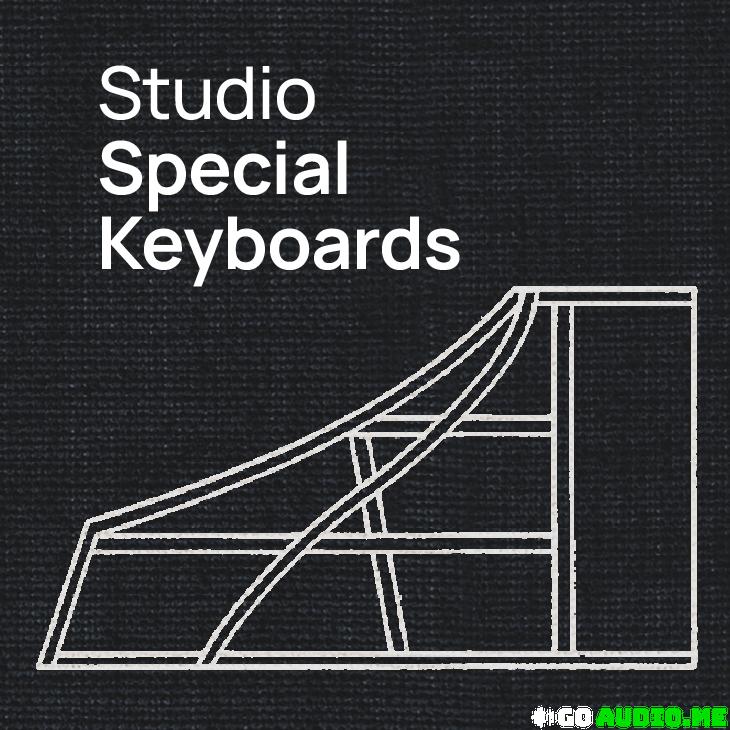 Between Tradition and Sonic Experimentation
This extraordinary library lives up to its name, handing composers, performers, and producers a collection of exceptional tools that transcend genre boundaries – from classical to the avant-garde and beyond. The included keyboard instruments harpsichord, harmonium, and prepared piano open the door to new sonic worlds, transporting you from prestigious concert halls to the experimental sounds of the 60s and 70s, where creativity knew no limits. This intuitive collection allows you to unleash sounds never before imagined. With an abundance of dry and reverb options, you hold the keys to unlock a world of sound that feels both familiar and refreshingly new.
Those who use NI Komplete Kontrol Midi keyboards or prefer kontakt ui can try NKS.
This post includes NKS files below (650MB):
Synchron-Duality-Strings-1.0.5
Synchron-Elite-Strings-1.0.5
Synchron-Power-Drums-1.0.5
Synchron-Concert-D-274-1.0.5
Synchron-Fazioli-F308-1.0.5
Synchron-Bosendorfer-Imperial-1.0.5
Synchron-Yamaha-CFX-1.0.5
Concert-D-274-Essentials-1.0.5
Fazioli-F308-Essentials-1.0.5
Studio-Appassionata-Strings-1.0.5
Studio-Chamber-Strings-1.0.5
Studio-Dimension-Strings-1-3-1.0.5
Studio-Woodwinds-1.0.5
Studio-Fazioli-F212-1.0.5
Studio-German-Upright-1904-1.0.5
Studio-Bosendorfer-Upright-1.0.5
Studio-Bosendorfer-280VC-1.0.5
Studio-Bluthner-1895-1.0.5
Studio-FX-Piano-1.0.5
Synchron-Prime-Edition-1.0.5
Synchron-Smart-Orchestra-1.0.5
How to use?
0. Install Native Instruments Komplete Kontrol, you can download it from here.
1. Unzip files.
2. Move the .xml file to “C:\Program Files\Common Files\Native Instruments\Service Center”.
3. Copy the folder in “PAResources\image\VSL” to “C:\Users\Public\Documents\NI Resources\image\vsl”.
4. Navigate to the path “C:\Users\Public\Documents\Native Instruments\installed_products”, and create a file named “VSL-(product name).json”, for example “VSL-Synchron Duality Strings.json”, and insert the data below:
{“ContentDir”:”path to NKS file folder”,”ContentVersion”:”Version information”,”InstallVST64Dir”:”path to VST file”}
For example:
{“ContentDir”:”D:\\VSL\\Synchron-Duality-Strings-1.0.5\\Synchron Duality Strings”,”ContentVersion”:”1.0.5″,”InstallVST64Dir”:”C:\\Program Files\\Common Files\\VST2″}
5. Enjoy!
Homepage:-https://www.vsl.co.at/products/studio/special-keyboards

Studio Special Keyboards.part1.rar – 2.9 GB
Studio Special Keyboards.part2.rar – 2.5 GB
Previous


Checking...
Ouch! There was a server error.
Retry »
Retry »
Sending message...
FILE REQUEST
Fill your request here and our team will try to post this material on the site
![Sean Divine Vocal Chains SR v1.8 [UPDATED]](https://www.goaudio.net/wp-content/uploads/2025/10/Divine-Mixing-Vocal-Chains-SR-Updated-Box-Render-150x150.webp)

![Toontrack LATEST MIDI PACK [APRIL 2025]](https://www.goaudio.net/wp-content/uploads/2025/04/Toontrack-LATEST-MIDI-PACK-APRIL-2025-150x150.png?v=1745120673)
![Toontrack LATEST MIDI PACK [MARCH 2025]](https://www.goaudio.net/wp-content/uploads/2025/03/Toontrack-LATEST-MIDI-PACK-MARCH-2025-150x150.png?v=1743055485)

![Toontrack NEW RELEASED MIDI [FEB 2025]](https://www.goaudio.net/wp-content/uploads/2025/02/gandr-collage-3-150x150.jpg?v=1740710859)

![Toontrack LATEST RELEASES MIDI BUNDLE [DEC 2025]](https://www.goaudio.net/wp-content/uploads/2024/12/toontrck-2024-150x150.png?v=1733532112)

